Blog / Text to cursive
Text to Cursive: Convert Typed Text into Cursive Handwriting Pages
7 min read · Updated August 7, 2026
A text to cursive tool turns ordinary typed English into flowing, connected-looking script. People use it for practice sheets, nicer study notes, invitation drafts, and any page that should look handwritten rather than printed in a block font.
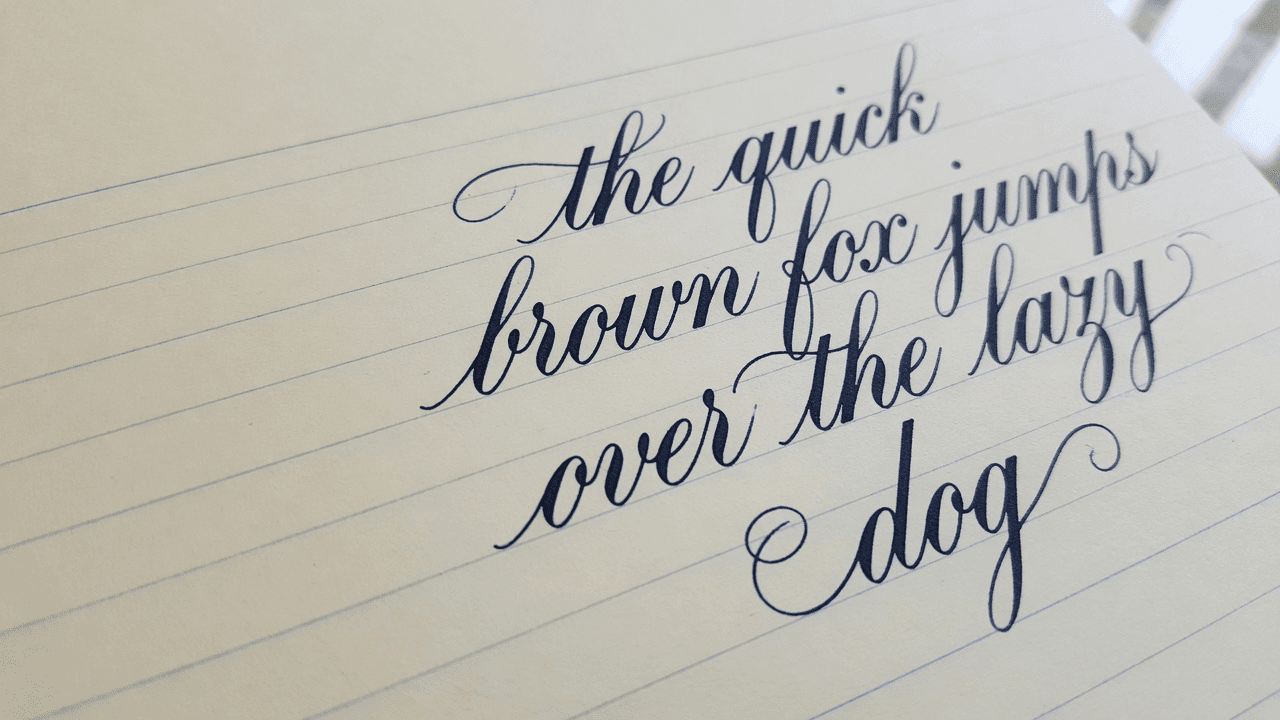
This article explains what “text to cursive” actually means online, how page-based text to cursive handwriting differs from Unicode fancy-text generators, and how to produce print-ready cursive pages with a free browser tool such as Text2Handwriting.
What “text to cursive” usually means (and what it does not)
Search intent for text to cursive splits into three buckets.
1. Unicode cursive generators
These map letters to mathematical or decorative Unicode characters you can copy into Instagram, Discord, or a bio. They are fast and fun. They are not notebook pages, and many platforms render them inconsistently.
2. Cursive font previewers
These restyle your sentence in web fonts such as script typefaces and show a live sample. Good for short titles. Weak when you need multi-line homework layout, margins, and PDF export.
3. Text to cursive handwriting converters
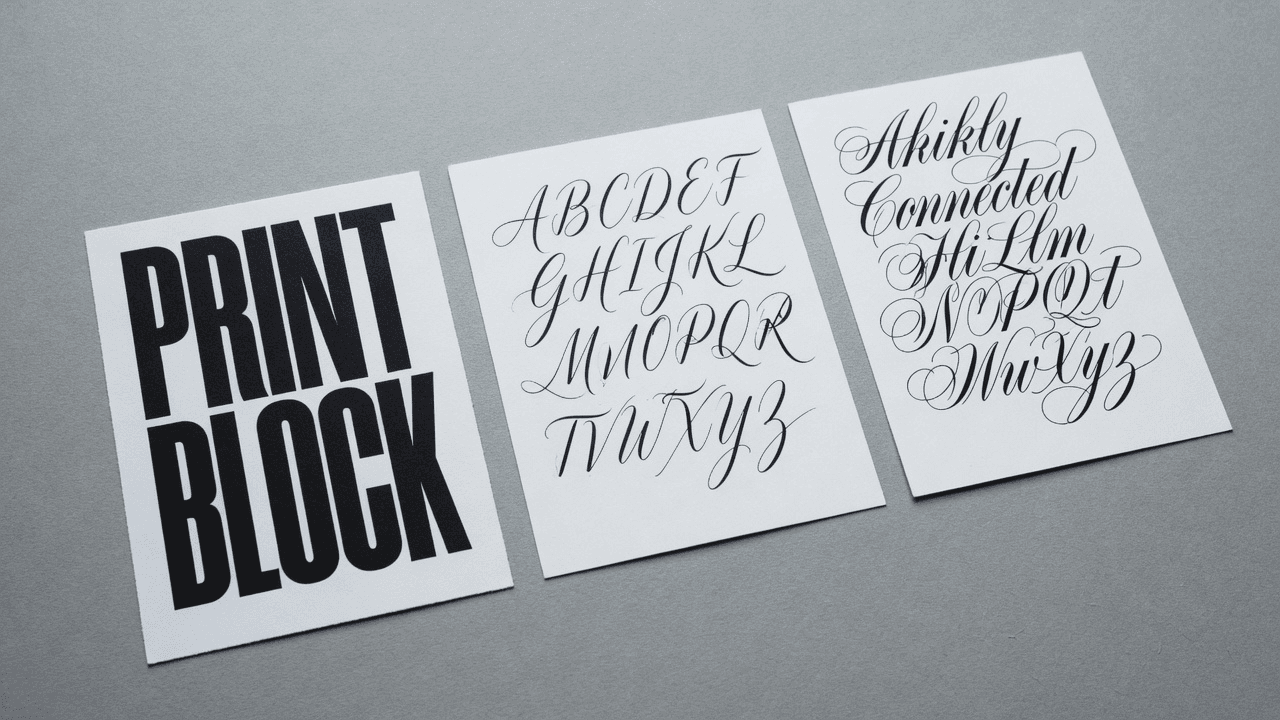
These place typed text onto paper templates (lined, blank, grid) so the result looks like a written page. Export is usually PNG or PDF. This is the category that matches school notes, practice worksheets, and printable letters.
Text2Handwriting sits in the third group. You type on a digital page, pick Live handwriting scripts (including cursive-leaning options) or AI stroke styles, adjust size and spacing, then download. It is synthetic handwriting generated in the browser—not a scan of a human page, and not a social-media character converter.
If you only need a stylish username, a Unicode generator is enough. If you need a page you can print and hold, use a handwriting converter with paper controls.
When a text to cursive handwriting converter is the better choice
Choose a page-based converter when the deliverable is paper-shaped:
- Lined practice sheets for joined-up writing
- Study notes that should look handwritten
- Multi-line paragraphs, not a single decorative word
- PDF packs for printing at home or school
- Consistent margins so nothing gets cut off at the printer edge
Stay with a Unicode tool when the deliverable is a pasteable string for social apps.
How to convert text to cursive handwriting online
The workflow is short once you know which settings matter.
1. Paste clean English text
Start with plain text: remove heavy markdown, emoji noise, and odd line breaks if you want even paragraphs. Text2Handwriting v1 focuses on English (Latin letters, numbers, and common punctuation). Very long dumps are harder to review; aim for roughly up to two pages at default lined settings for a comfortable session.
2. Open the free tool and type on the page
Go to the free editor, open the paper view, and type or paste. Live fonts show each letter as you type, which makes it easy to judge whether a cursive-style script stays readable at your chosen size.
3. Pick a cursive-leaning script, not just “the prettiest”
Cursive for reading is not the same as calligraphy for a wedding suite.
- For practice and notes, prioritize legibility: open counters, clear word spacing, and joins that do not collapse at small sizes.
- For decorative titles, a more expressive script can work if the line is short.
- Compare the same sample word across Script options before you commit a full paragraph.
In AI stroke mode, styles are also labeled as Script N in the product. One of the built-in stroke styles is oriented toward cursive motion; still judge by the preview, not by the label alone.
4. Set paper, size, line height, and margins
Lined paper is the default mental model for cursive practice. Slightly larger letter size and generous line height prevent loops from colliding with the next baseline. Keep side margins wide enough for hole punches or printer edges—millimeter controls help when you care about real print layout.
5. Preview, then export PNG or PDF
Check for cramped lines, cut-off descenders (g, y, j), and uneven wrapping. Export PDF for multi-page notes and classroom printing. Use PNG when you need a single image. No account is required for core generation and export.
Text to cursive options compared
| Approach | Best for | Limitation |
|---|---|---|
| Unicode cursive generator | Social bios, short pasteable flair | Not a real page; font support varies |
| Cursive web-font demo | One-line titles, quick visual taste | Weak multi-page layout and print control |
| Dedicated handwriting practice sites | Stroke replay, on-screen tracing | May not optimize for essay-length PDF notes |
| Text to cursive handwriting converter (e.g. Text2Handwriting) | Printable pages, study notes, practice sheets | Synthetic look; English-first; follow school rules for submissions |
There is no single “best” tool for every searcher. Match the tool to the output format. For people who type “text to cursive” and expect a downloadable handwritten page, a converter with paper styles and export wins over a copy-paste Unicode string.
Quality checks before you print
Read it at arm’s length. If a sentence is hard to read from a normal notebook distance, switch to a clearer script or raise size.
Watch identical letters. Pure font-based cursive can show the same “a” every time. When uniformity bothers you, try AI stroke synthesis so pen paths vary more naturally.
Do not overcrowd the page. Cursive needs room for loops. Empty margin is a feature, not wasted space.
Keep academic integrity obvious. Generating a handwritten look does not change what your school allows you to submit. Use these pages for practice, notes, and formatting you are permitted to print.
Privacy defaults matter. Text2Handwriting is designed so generation runs in the browser; it does not need your full essay text on a server to produce pages. Still avoid pasting secrets you would not put in any web form.
Common mistakes with free text to cursive tools
- Treating Unicode output as “handwriting PDF”
- Choosing the most ornate script for a full paragraph of notes
- Ignoring line height until descenders collide
- Exporting tiny text to fit more content on one page
- Expecting perfect non-English scripts from an English-first tool
Fixing those five issues usually improves results more than hunting for another website.
FAQ
How do I convert text to cursive online for free?
Paste your text into a free text to cursive handwriting converter, choose a cursive-style script, adjust size and lined paper settings, preview the page, then download PNG or PDF. Text2Handwriting follows that flow in the browser without sign-up.
Is text to cursive the same as a cursive text generator for Instagram?
Not always. Many “cursive text generators” only produce Unicode characters for social apps. A handwriting converter builds a page image or PDF that looks like written paper.
Can I get realistic joined-up handwriting, not just a cursive font?
Font-based scripts can look joined and elegant. Stroke-based synthesis adds more variation between repeated letters. Neither is a photograph of a human hand; both can be good enough for practice and notes when you tune size and spacing.
Does Text2Handwriting support cursive styles?
Yes. Live mode includes multiple handwriting scripts, including cursive-leaning options, and AI stroke mode includes styles suited to more connected writing. Compare previews with your real text before exporting.
Is it free, and is my text uploaded?
Core generation and export are free with no account required. Generation is designed to run in the browser so your full text does not need to be uploaded to produce pages. Analytics, if enabled, should not include essay content.
Conclusion
Text to cursive only becomes useful when you know which output you need: a pasteable Unicode string, a one-line font sample, or a real handwritten-looking page. For practice sheets and printable notes, use a text to cursive handwriting converter with paper layout and export.
Text2Handwriting lets you type English text, pick cursive-leaning Live scripts or AI stroke styles, control spacing and margins, and download PNG or PDF in the browser. Start with readable size, lined paper, and a short sample paragraph—then scale up once the page looks right at print distance.
Try the free converter
Paste English text, pick a script, export PDF or PNG in your browser—no account required.
Open tool